
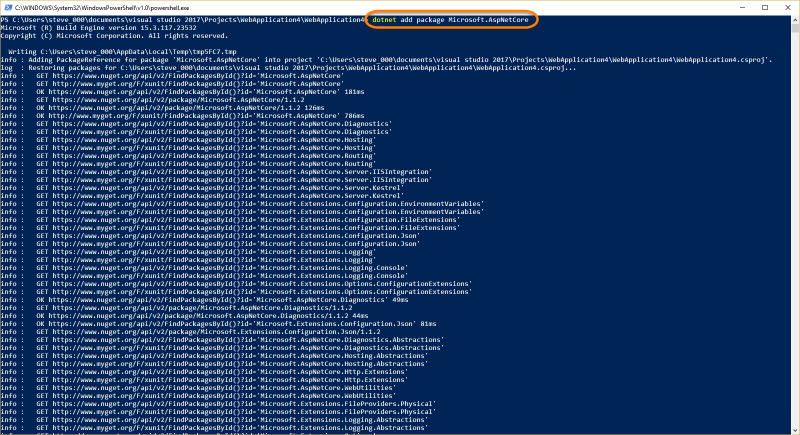
The current version of the dotnet command line interface provides features to add a nuget package, but doesn’t expose a separate command to update them. However, you can actually achieve this by simply running the dotnet add package command, for example:
dotnet add package Microsoft.AspNetCore
If you don’t provide a version flag, this will default to upgrading to the latest version. To specify a version, add the -v parameter:
dotnet add package Microsoft.AspNetCore -v 1.0.2
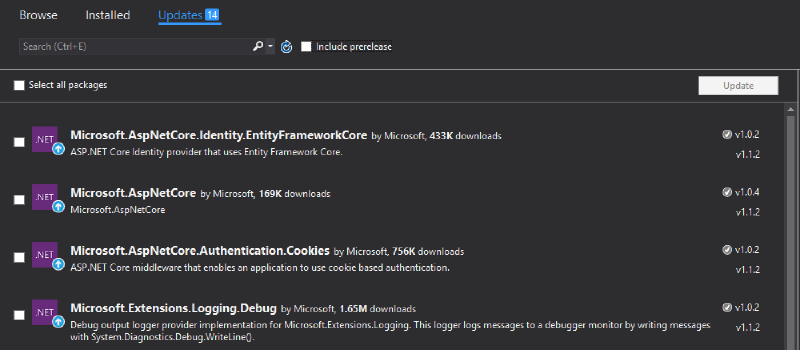
Here you can see a sample project with an older version of AspNetCore shown in Visual Studio’s Nuget Package Manager:
Run the command in Powershell:
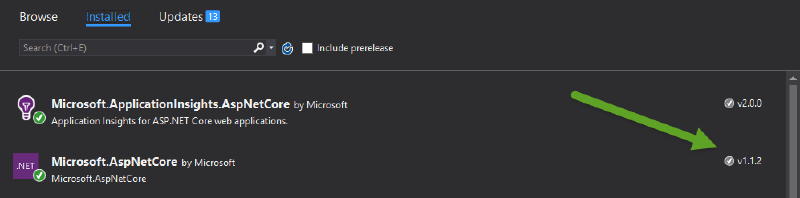
The result is the updated version in the project.
Currently there isn’t a command to browse, search, or list packages from the dotnet CLI. However, this is coming in version 2.0.