Desktop computers rarely need to hibernate, so you can probably safely remove the hiberfil.sys file and save yourself a few GB of space. To do so, just open up a new command prompt as an administrator:
- Click on the Start button
- Type ‘cmd’ (don’t hit enter)
- Right click on the Command Prompt that comes up and choose Run As Administrator.
Once you have an administrator command prompt up, just run this command:
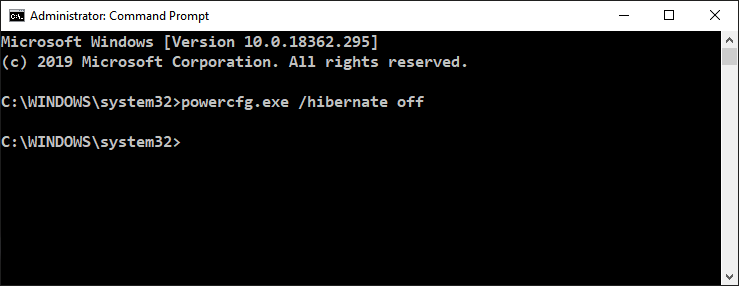
powercfg.exe /hibernate off
Now check your disk space again and you should see the hiberfil.sys file is gone.