You can use the sc.exe command to install an EXE as a service on Windows Server 2008. There’s a good article on creating an application that can easily run as either a console app or as a service here. From an administrator command prompt, the syntax is something like this:
scservernamecreate MyService.ServiceName binpath= d:servicesFooFoo.exe displayname= MyService.ServiceName
Note that for this particular utility, the command line options include the “=” sign in them, so you must have no space before the"=" and you must have a space after the"=". Also the server name must be preceded by to work.
Assuming it works, you should see something like this:
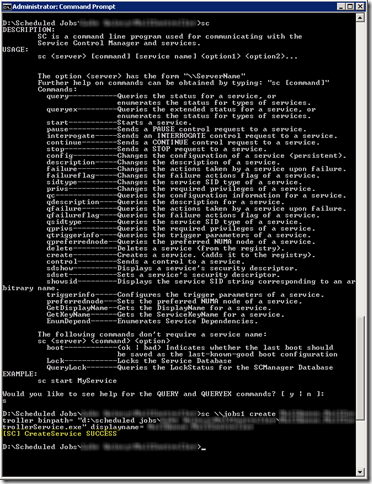
As you can see from the help message above, the SC.EXE utility can be used for much more than simply creating services, but this is something I’ve had to use it for more than once (and hence I’m blogging it since it’s not necessarily easy to search for).