When I create a new.NET (5) console application and run it in VS Code, I get output like the following:
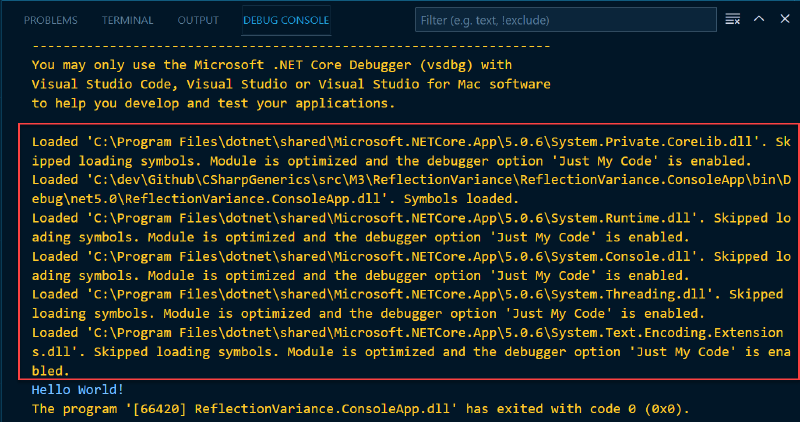
This is just a lot of noise that adds no value and I’d like to disable it so I can see the actual output of my program.
Fortunately, there’s a simple way to do this - just add a setting in your launch.json file:
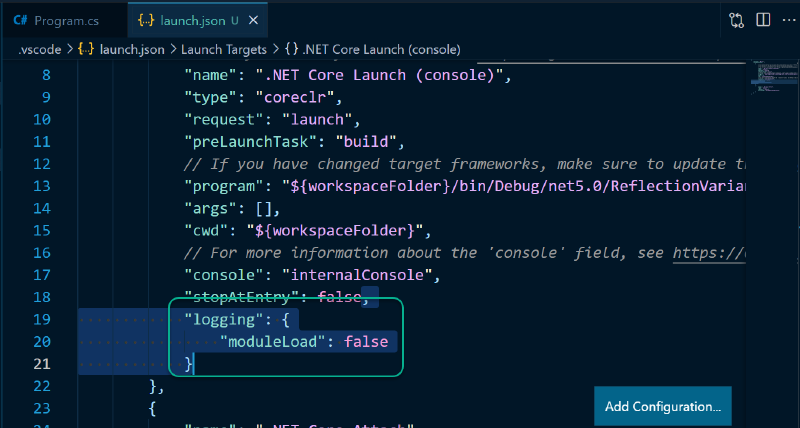
Here’s the relevant setting if you just want to copy/paste it:
|
|
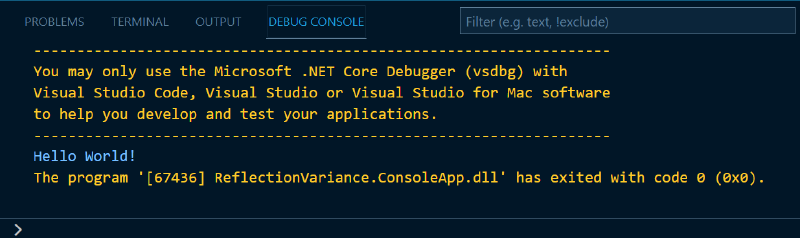
That’s it. Once this is done, the same output will look something like this: