
[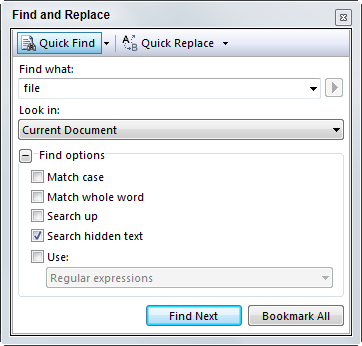
If you’re looking to navigate through the current file in Visual Studio, the typical approach is ctrl-F, which is the shortcut for Find and brings up a dialog like the one at right to locate instance of a string. Bertrand just let me know about another shortcut, ctrl-I, which does Incremental Search. The nice thing about this is that it’s faster (there is a measurable delay before ctrl-F loads) and doesn’t pop up a window that gets in the way of seeing your code. After pressing ctrl-i, as you type the cursor will move to the next string that matches what you’ve typed. Finding additional instances of the string is simply a matter of hitting F3.